

Before configuring SIP routing, you can create an extension manually.Documentation Index
Fetch the complete documentation index at: https://docs.monobot.ai/llms.txt
Use this file to discover all available pages before exploring further.
Creating an extension is optional.
An extension can be automatically generated when configuring the SIP Integration.
An extension can be automatically generated when configuring the SIP Integration.
Create Extension (Optional)
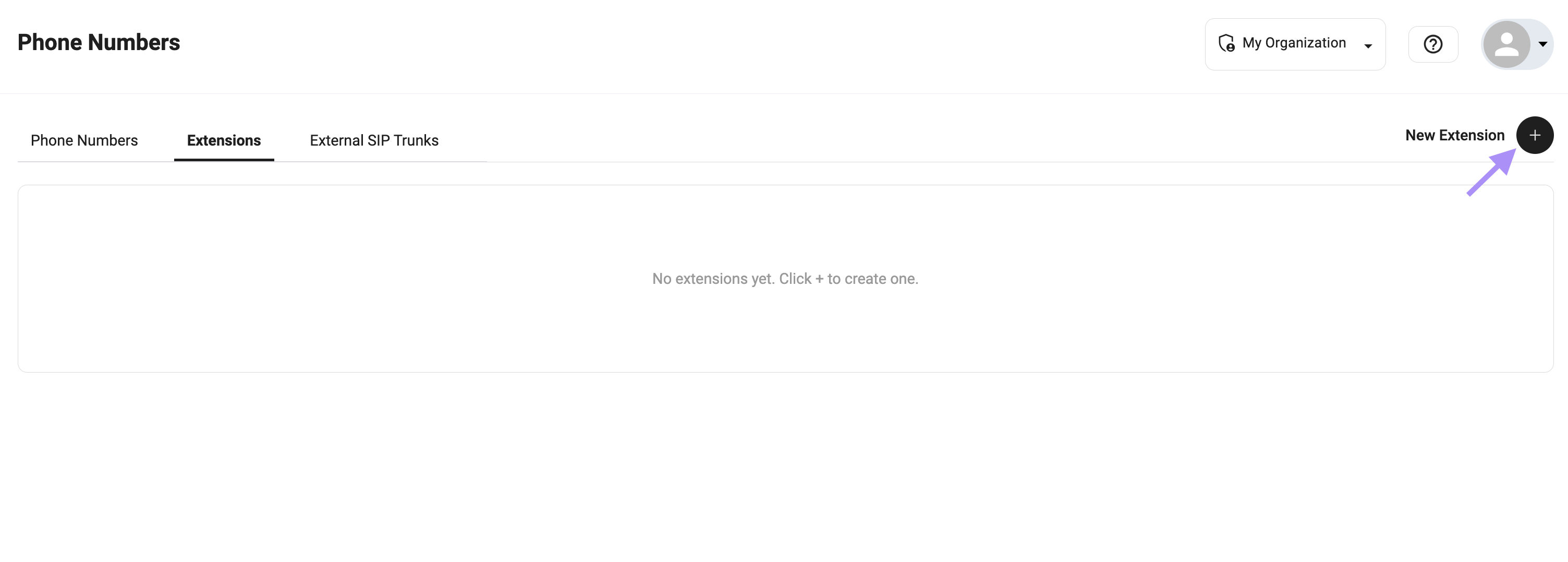
- Go to Phone Numbers
- Open the Extensions tab
- Click + to create a new extension
Configuration
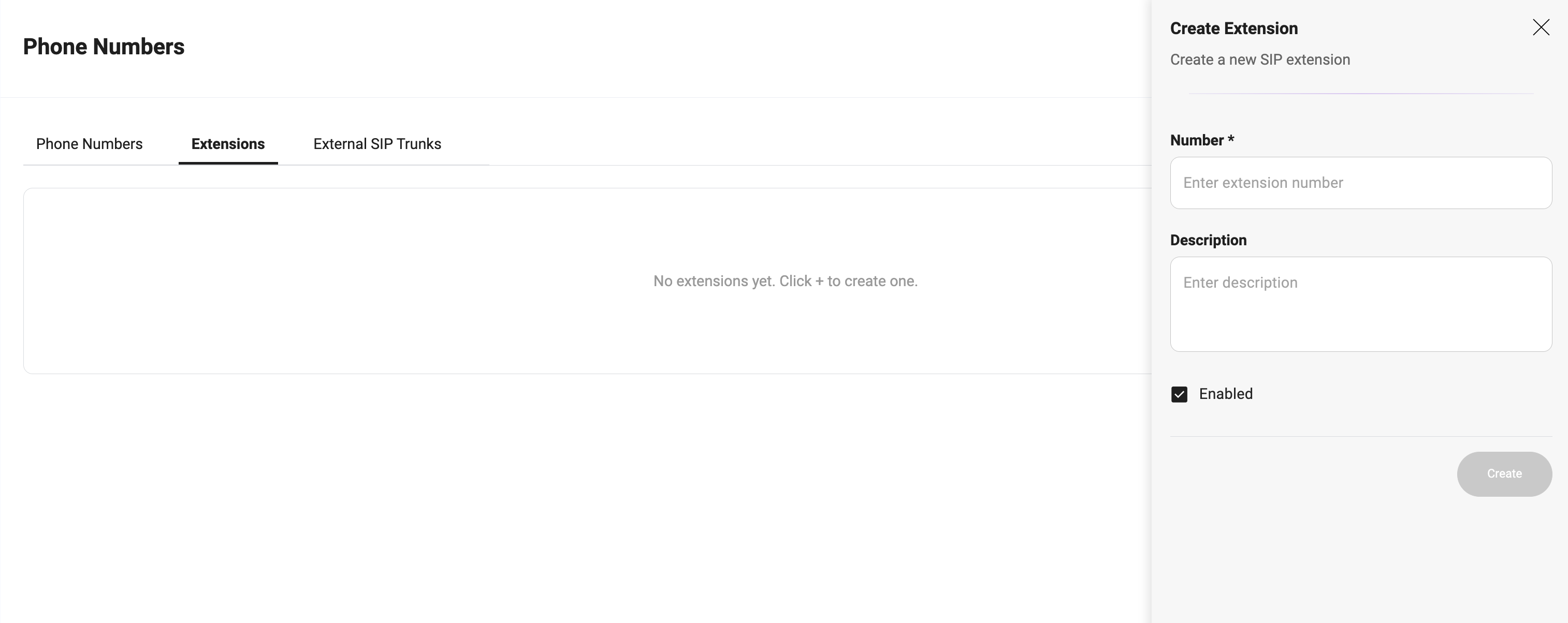
Fill in the required fields:- Number — internal extension (e.g.,
222222) - Description — optional label (e.g.,
Support,Sales) - Enabled — must be active
Example
Usage
Extensions are used for:- Call transfers via Redirect Call
- SIP routing (
sip:${extension}@...) - Connecting bot ↔ PBX ↔ agents
If you do not create an extension manually, the system will generate one automatically during SIP Integration setup.